
November 26, 2026 • Announcement
Free beta brings end-to-end encrypted sharing to macOS, Windows and Slack direct messages
Lewes, Delaware, November 26, 2026. Entelecheia Inc. today released a free beta of Crosspass for Desktop, bringing its end-to-end encrypted sharing of passwords, text notes, images and PDFs to Mac and Windows computers.
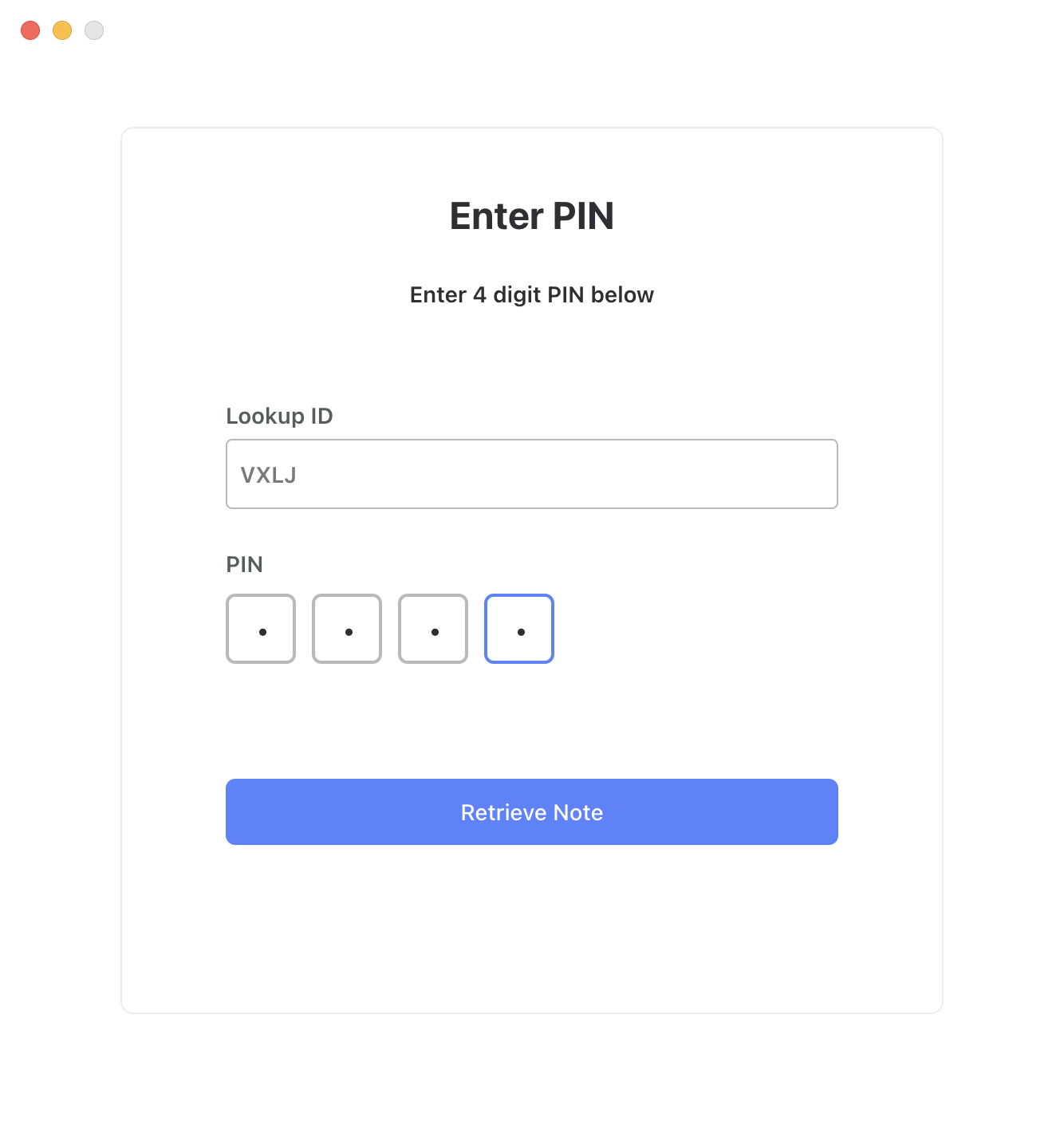
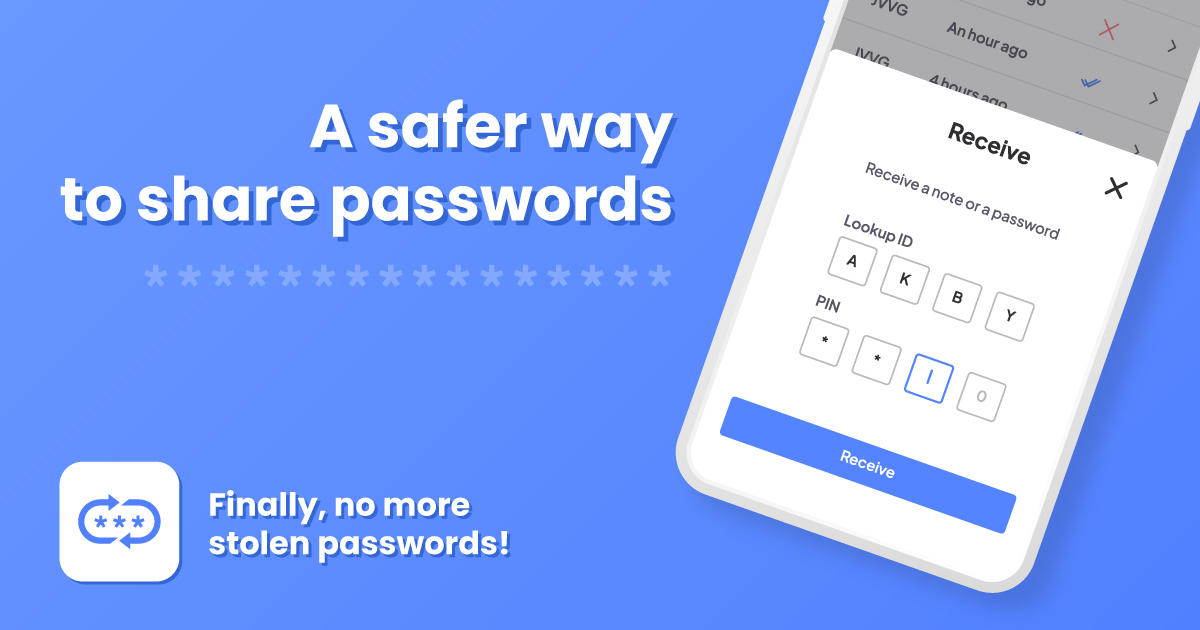
With Crosspass Desktop, the sender chooses a password, note, image or PDF and receives a Lookup ID and a single-use PIN to pass to the recipient by email or instant message. The recipient enters them in any Crosspass app, on desktop or mobile. Images and PDFs can be up to 10 MB.
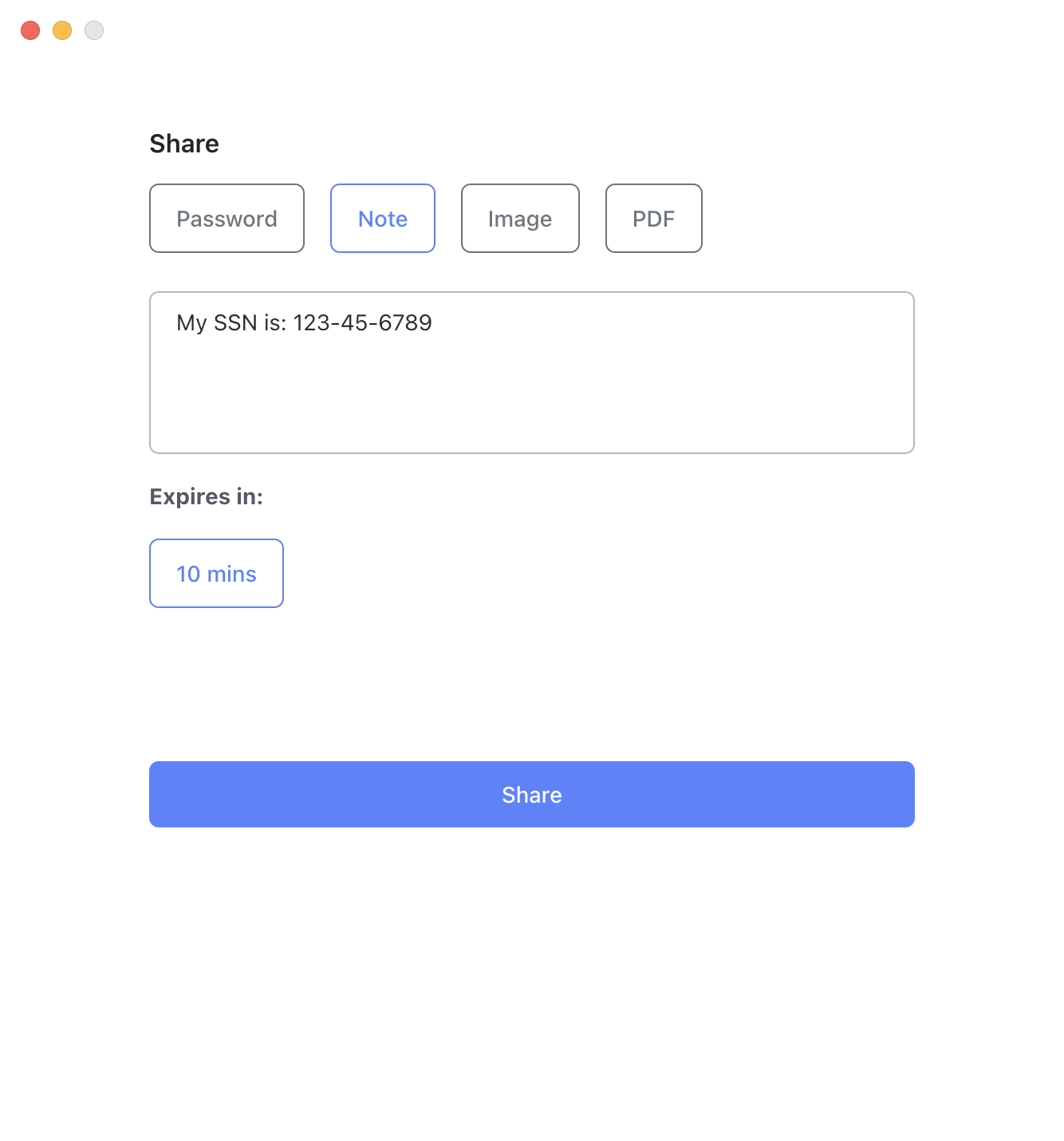
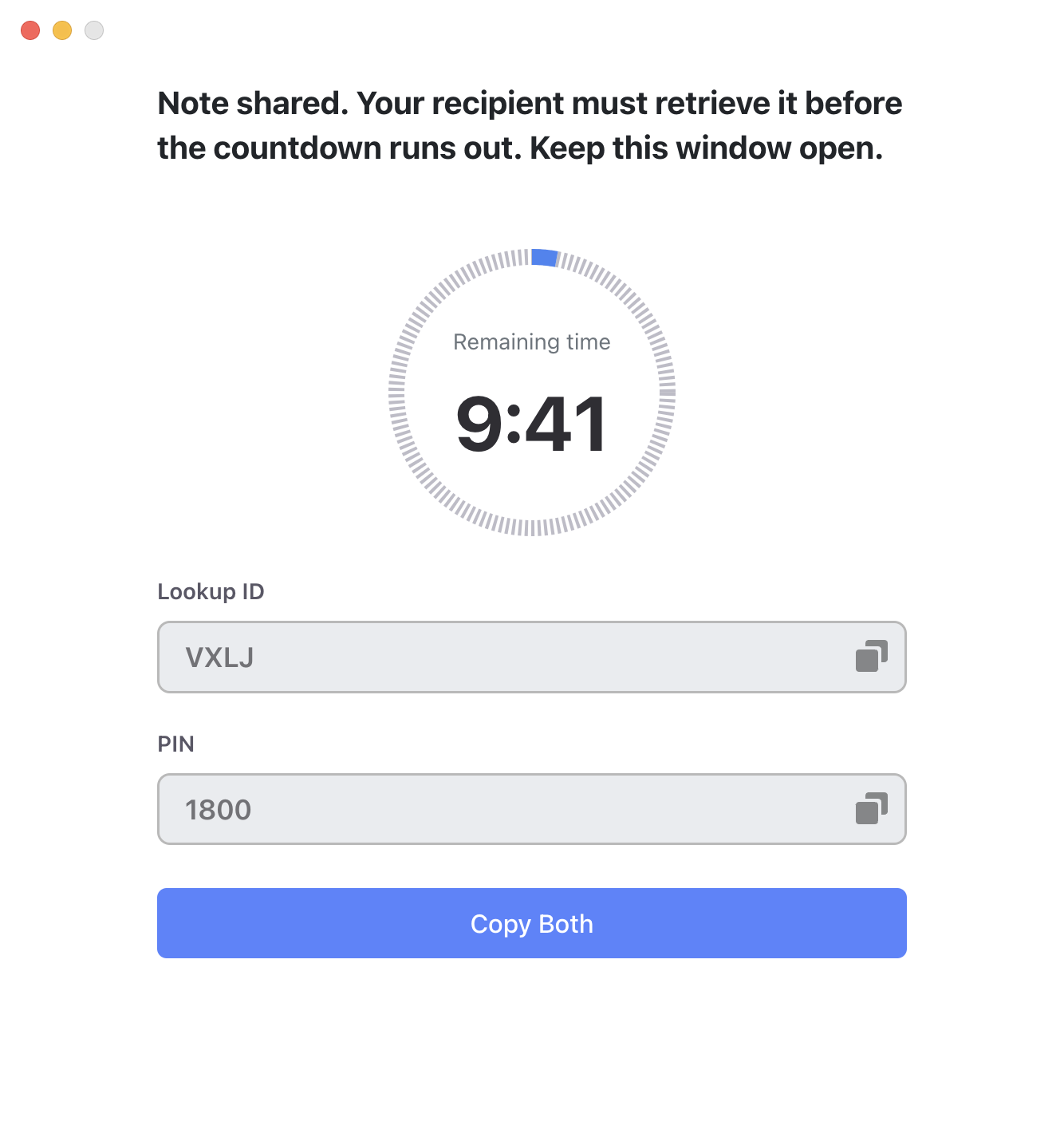
A desktop share is short-lived. The sender keeps the Crosspass window open, the recipient has 10 minutes to retrieve the item, and three wrong PIN attempts cancel the share.
When 10 minutes is not enough, senders can share from the iPhone or Android app, which allows a longer pickup window. A future version of Crosspass for Desktop will link with the mobile app to bring this option to the desktop.
Sharing from Slack
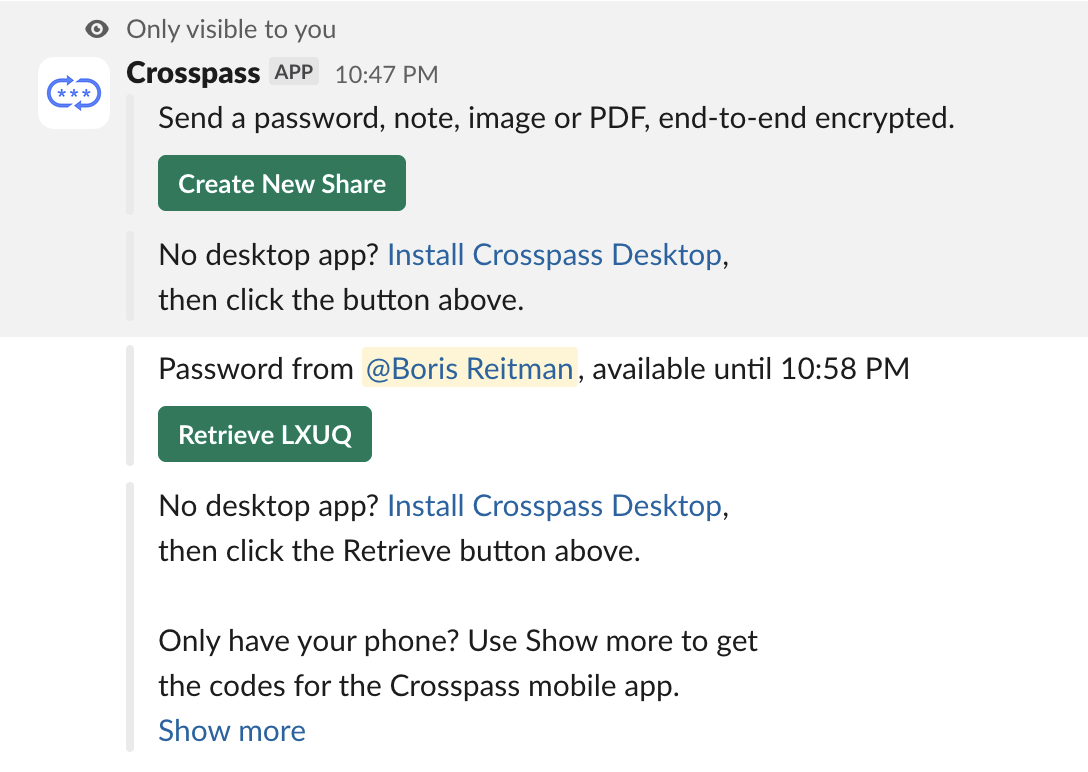
Typing /crosspass in a one-to-one Slack direct message opens the desktop app,
where the sender enters the item. Crosspass then posts a message in the
conversation with a Retrieve button. The secret itself never goes to
Slack’s app or servers: Slack sees only the Lookup ID and the single-use PIN.
See Using Crosspass Desktop with Slack for setup
instructions.
Security
- End-to-end encryption: Items are encrypted on the sender’s device and decrypted on the recipient’s. The Crosspass server relays data that it cannot read.
- Authentication: Crosspass uses the OPAQUE cryptographic protocol to authenticate the communicating parties. Details are in the white paper.
- Storage on the computer: Data the app saves is encrypted with a device key held in the macOS Keychain on a Mac, and in Windows Credential Manager on Windows. We describe the Mac approach in Encrypting App Data at Rest on macOS.
Availability
Crosspass for Desktop is free during the beta. Version 0.0.1 is available from crosspass.app/download:
- macOS, Apple Silicon and Intel
- Windows 10 and 11, 64-bit (x64)
Beta users can send feedback and report problems to Crosspass support.
Crosspass for iPhone and Android remains available from the app stores.


Media Contact:
Entelecheia Inc.
Attn: Media Relations
Lewes, Delaware
302-200-6074
press@entelecheia.io
Keep reading
-
Crosspass Now Supports PDFs
January 28, 2026 • Announcement
Crosspass now supports sharing PDFs securely. You can attach up to 3 images or 3 PDFs per note, with each file up to 10MB in size. Security Features Images: All EXIF data is …